
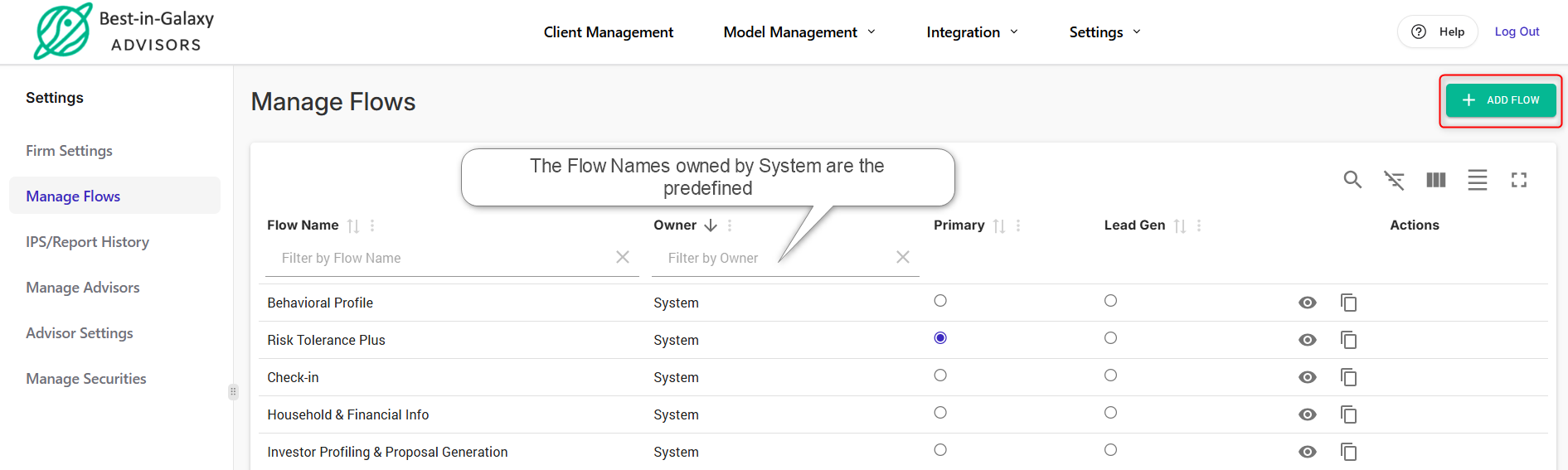
In Andes Risk, we offer predefined questionnaires, such as the Risk Tolerance Plus flow, that you can send to your clients. You also have the option to create custom questionnaire sequences, saving you time and effort by avoiding the need to customize each send link or launch.
Here are the instructions for adding a custom flow:
1. Log in to Andes Risk Platform.
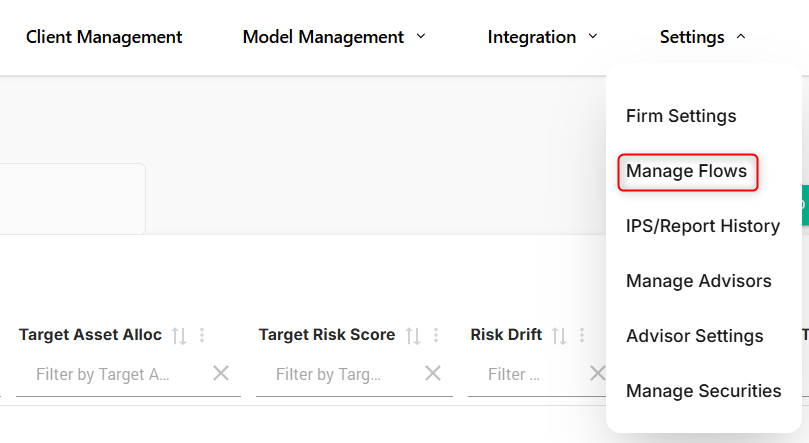
2. Navigate to Settings → Manage Flows
3. Click “+ Add Flow,” enter the flow name, and select the desired components (questionnaires).
You can set this as the “Firm default,” meaning it will be the default flow whenever you send a link or launch one.
You also have the option to modify the email subject and message your clients will see. Please note that this customization applies only when you use “Send Link.”
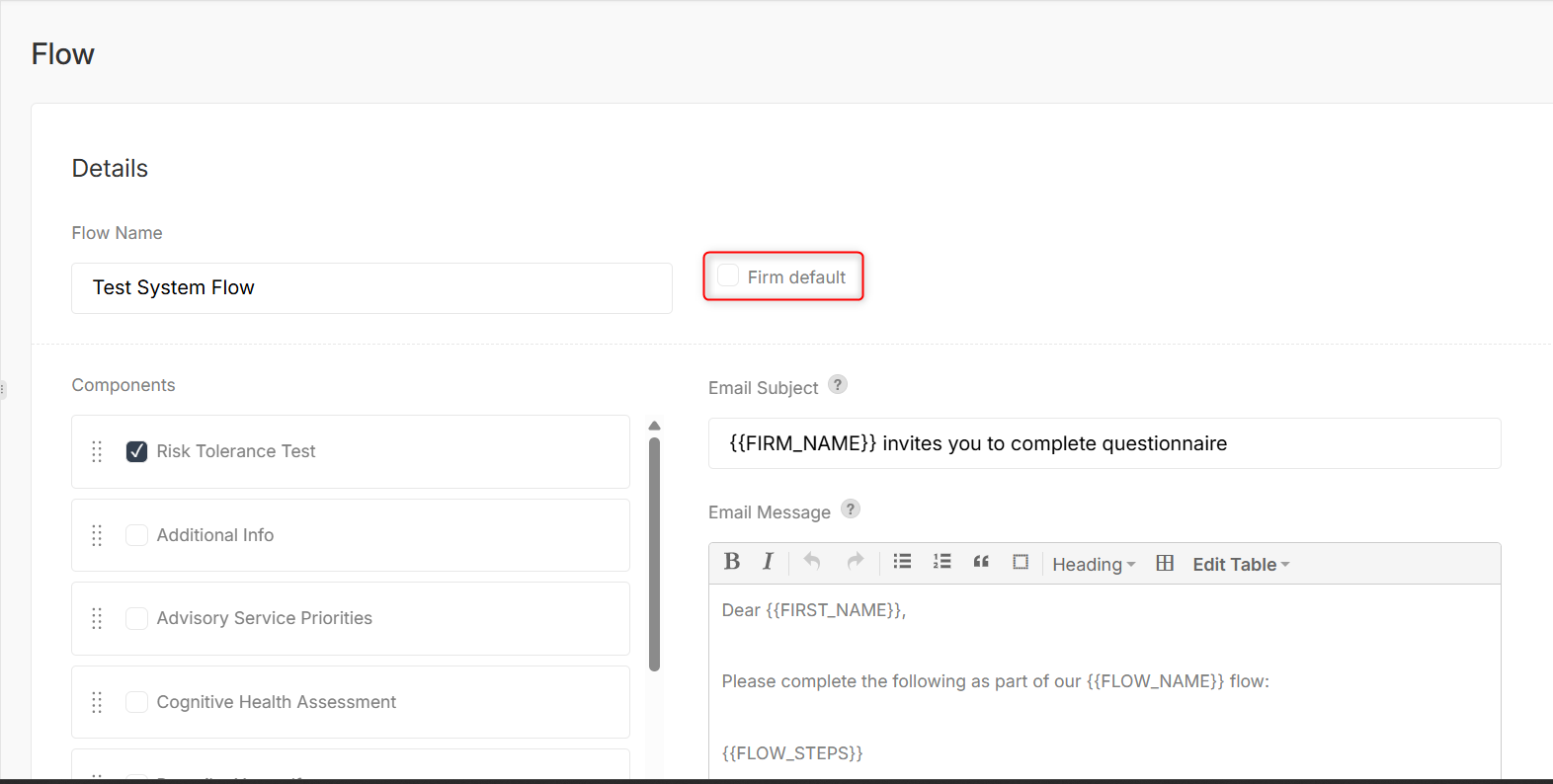
Flow Name is required.
4. Click “Save,” and you will be able to use your custom flow with your clients.