
The Andes/Orion integration brings your clients from Orion to Andes Risk Platform including:
- Households
- Investors
- Accounts and positions
Setting up the Orion integration in Andes Risk
To connect Andes Risk with Orion, follow these steps:
1. Log in to Andes Risk
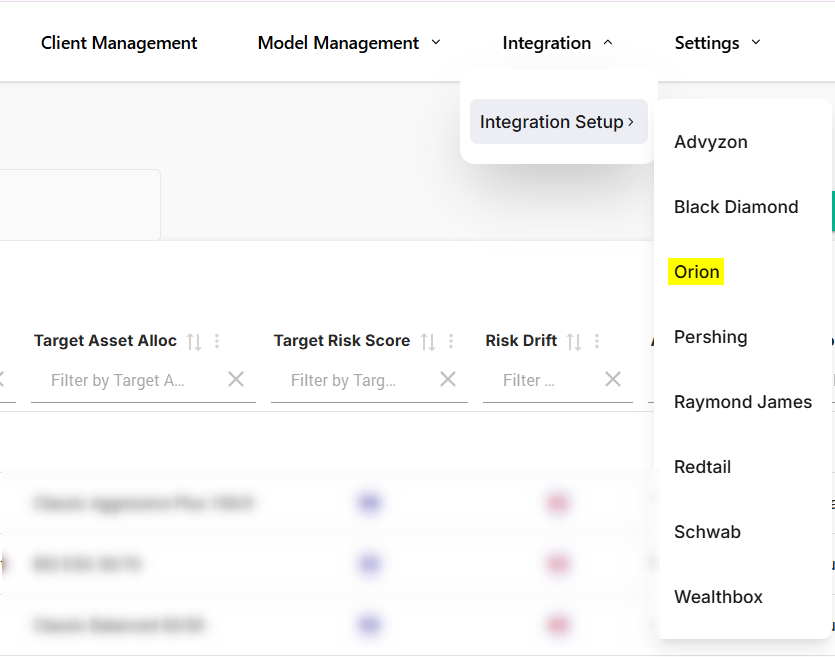
2. Navigate to Integration dropdown → Integration Setup → Orion
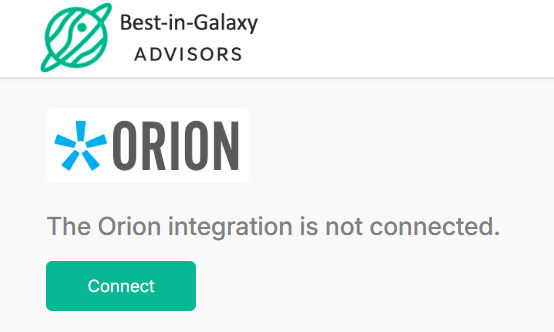
3. Click 'Connect' and it will prompt you to a page to enter your Orion credentials:
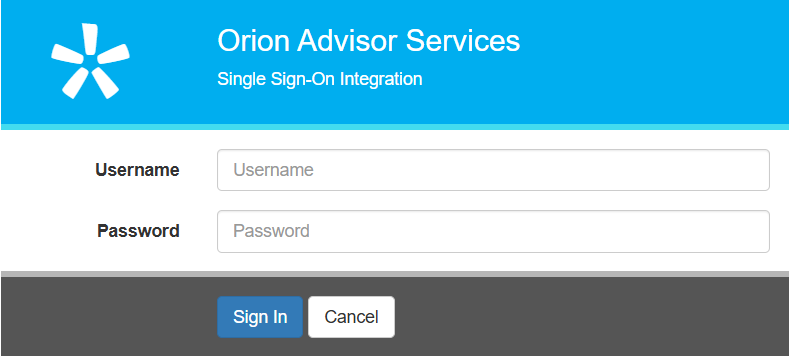
4. After logging in, you will be redirected back to Andes Risk, confirming that the integration setup is complete.
Once the integration is set up, a daily batch process will import client data from Orion into Andes Risk. You can also manually trigger a data sync by clicking “Sync Now,” or wait for the automatic daily batch process.
If you need additional integration help, please contact helpdesk@advyzon.com, or your Andes contact.