This article provides an overview of:
Other related articles:
- Setting Target Return and Target Volatility for models
- Setting up a model set to be used in the Risk Tolerance Test & Portfolio Visualization
Creating Models
Andes Risks supports both Static and Dynamic models. Click the links below for reference guide.
Adding New Security When Entering Models and Portfolios Manually
Click here for instruction.
Comparing Models
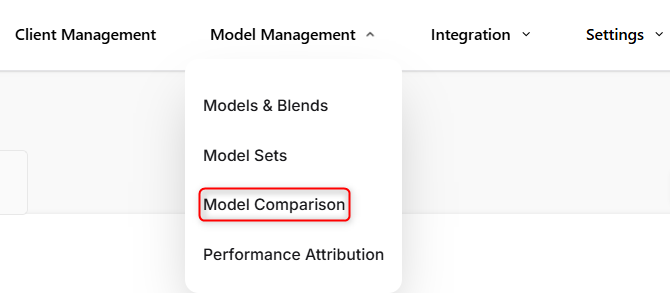
To compare real-time risk and returns of your models in Andes, use the Model Comparison feature. Navigate to Model Management → Model Comparison.
The classic models serve as useful reference points for comparison. You can adjust the time period and end date to compare performance across different time frames.
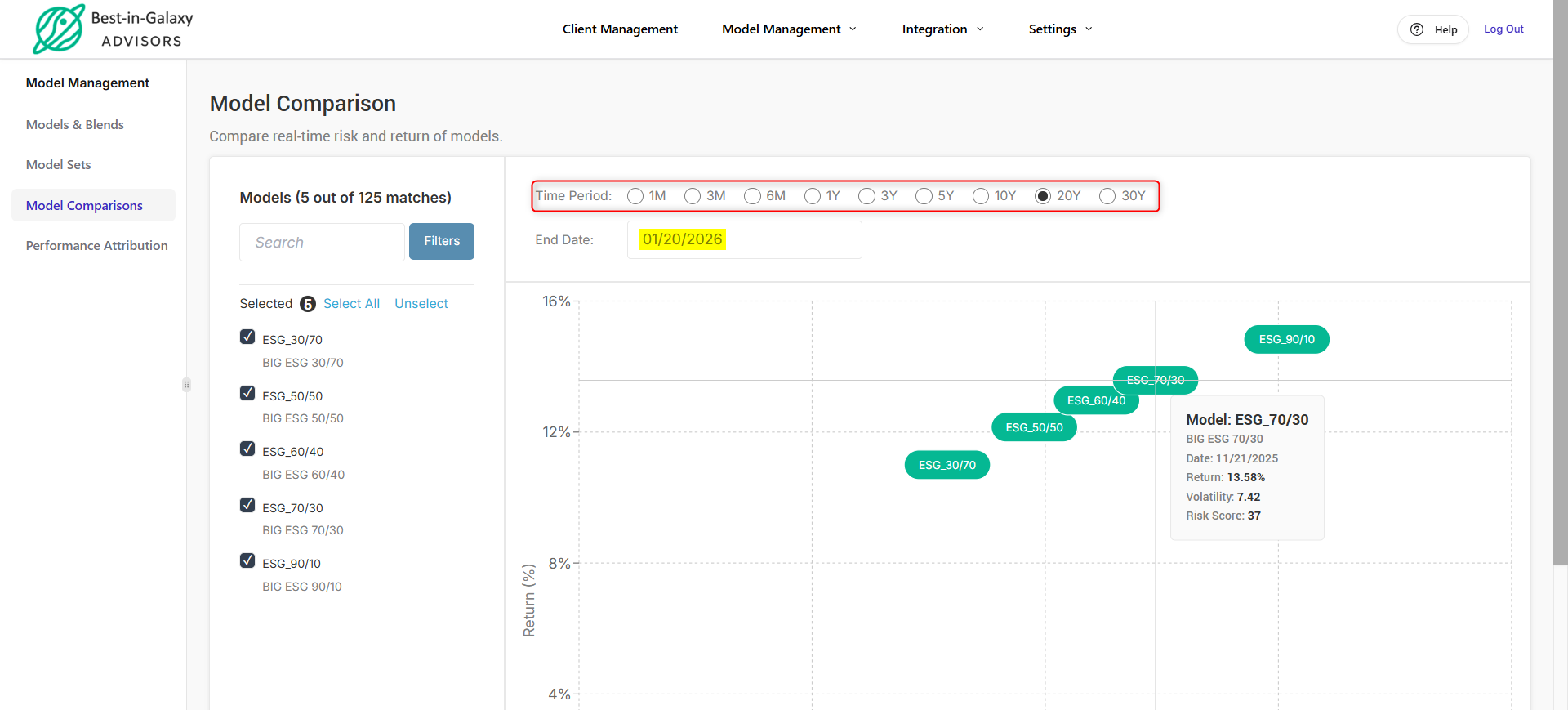
If your models perform similarly to the classic models, they are generally on track.
If your models consistently outperform the classic models (which is uncommon), they may be appropriate to share with clients.
If your models underperform relative to the classic models, it’s best to use them internally first. In many cases, this underperformance reflects market trends moving against the factors, industries, or regions you have overweighted.
Understanding Model Performance
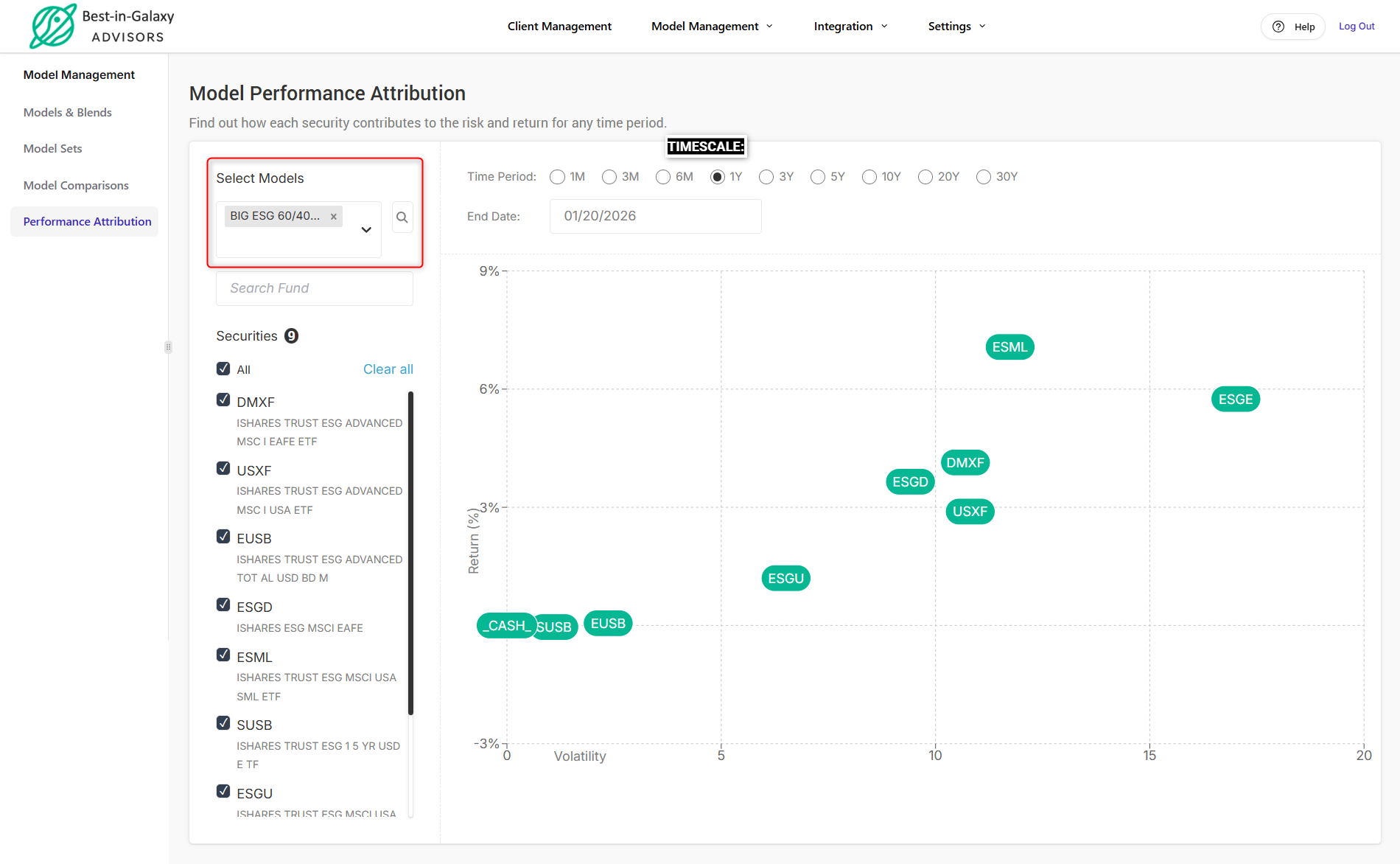
Find out how each security contribute to the risk & return for any time period using the Performance Attribution feature under Model Management.
When you select a model, all stocks, ETFs, and mutual funds included in that model are displayed. You can also select multiple models.
Use the timescale to select any time period and specific end date. For each model or portfolio, risk and return are calculated daily for the selected period.