
Welcome to Andes Risk! This is a step-by-step guide for the Andes Risk Platform.
Client Onboarding Workflow
The client onboarding has four steps:
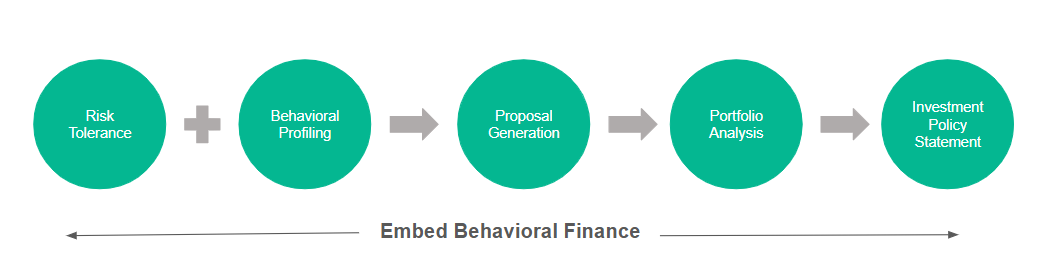
Client Onboarding is the structured workflow that moves someone from a lead/prospect → to an active client, while progressively increasing the quality and reliability of data in the system.
Below are the instructions for the following:
Step 1: Creating households and investors
Step 2: Risk Tolerance and Client Profiling
Step 3: Reviewing Results and Following Up
Personalized Risk Tolerance Test
Financial advisors can plug in your own models to drive the risk tolerance test, so the result maps directly to one of your models.
We recommend you follow steps 1 to 5 to get familiar with the workflows. If you are the owner of the RIA firm or the Chief Investment Officer, come back here to follow the instructions for setting up models and model sets.
If your firm offers multiple model sets, you can specify the right model set at the household level.
Step 1: Creating Household and Investors
Investors are real entities that are linked to portfolios, whereas households are shells. The individuals within households are often referred to as household members or investors interchangeably.
To add a household, go to Client Management >> Households >> click + Add Household:

Click here for more information.
Step 2: Risk Tolerance & Client Profiling
At Andes, we recommend starting with the Risk Tolerance Plus flow. Once a household is created, you’ll be directed to the dashboard, where you can access this flow. Simply select the Send/Link Launch button displayed on the screen to get started.
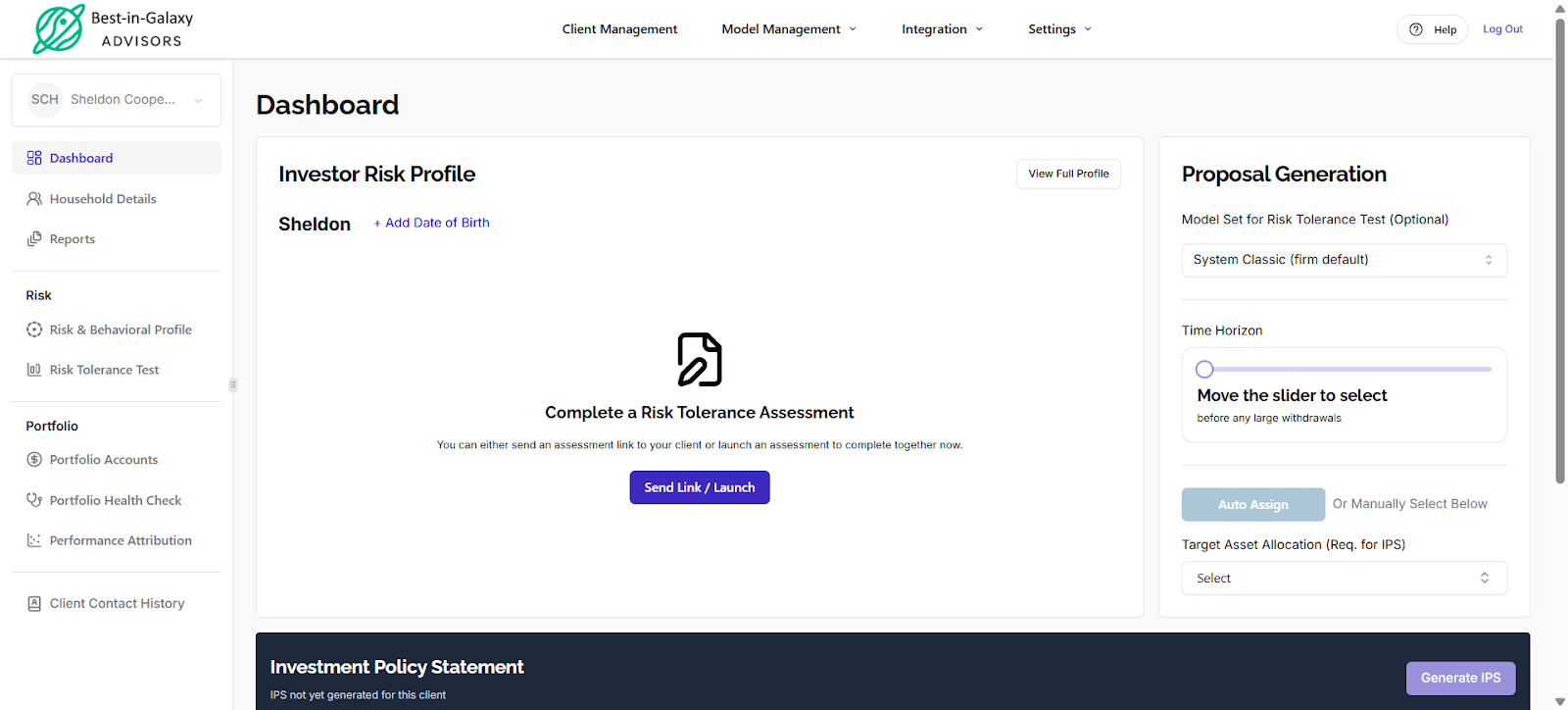
Then you would see this pop-up:
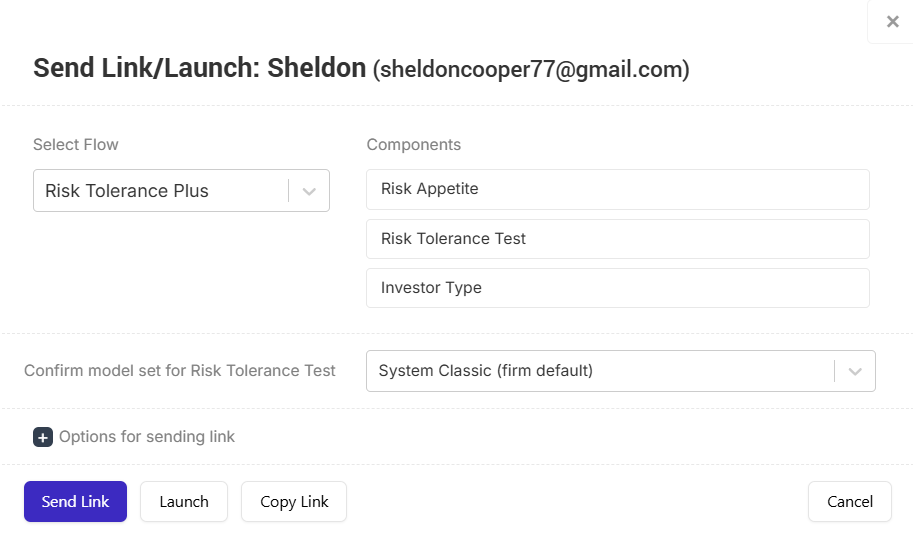
Click Send to share the link with the client so they can complete it at home. Click Launch to start the sequence during a meeting with the client, then select Copy Link to paste the link into your browser.
Click here for more information.
Step 3: Reviewing Results and Following Up
From the Risk & Behavioral Profile page, click on the Accuprofile Report and then select Save PDF to generate the report.
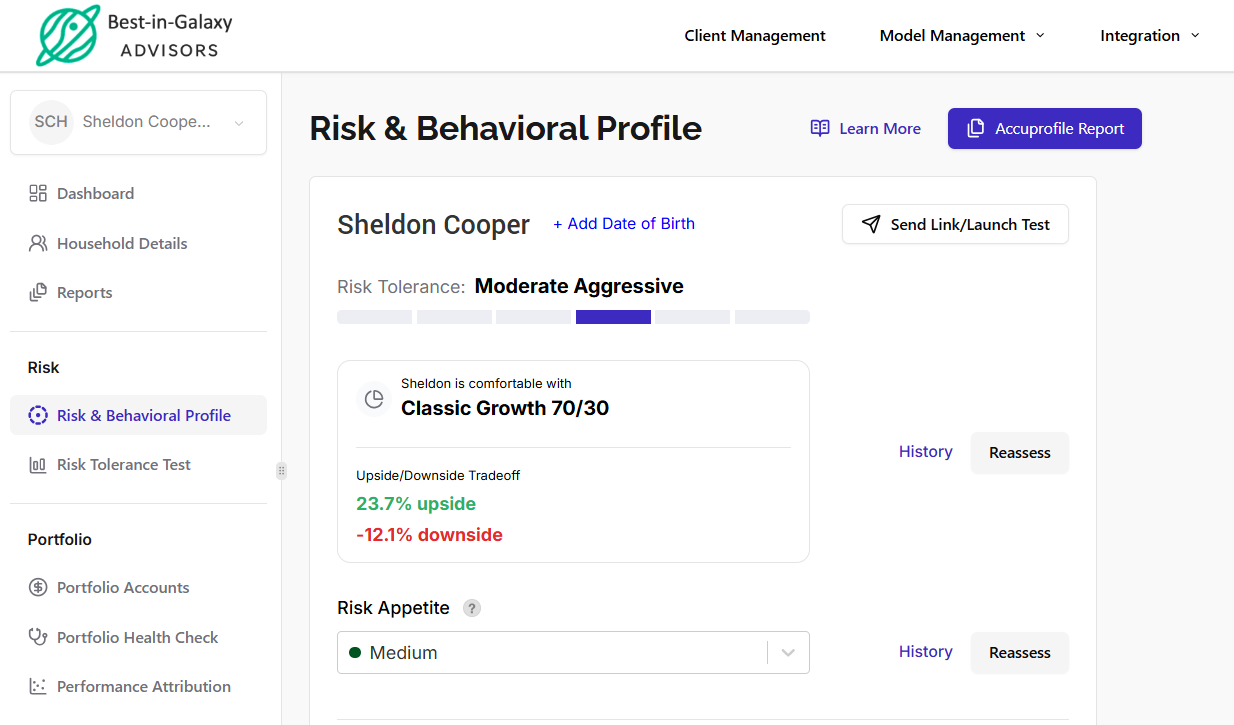
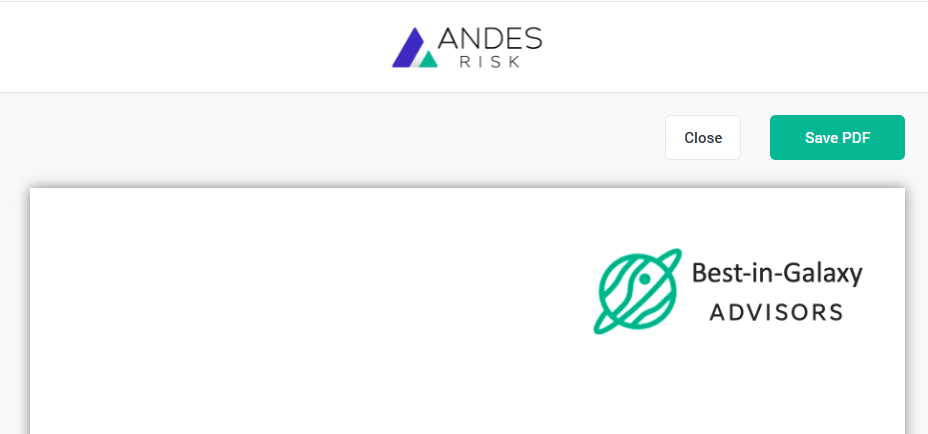
You may send the report to the client as a follow-up. At the same time, you can request statements for their existing portfolios and schedule a meeting.
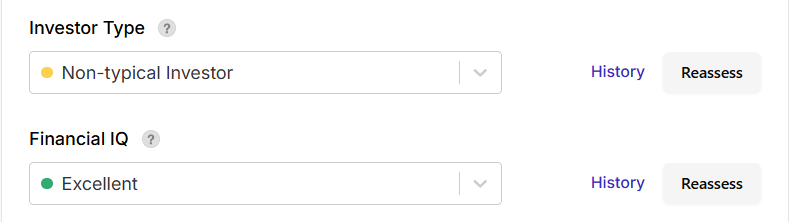
To review the results of all questionnaires, navigate to Risk & Behavioral Profile.
Click History to view how the client answered each question.
Step 4: Portfolio Analysis
Client portfolios can be automatically imported into the Andes platform through integrations.
You may also manually enter existing portfolios for prospective clients to run analytics or create custom proposal portfolios.
Click here for more information.
Step 5: Creating IPS
You can generate the IPS on the main page of the Dashboard.
Prerequisite for Generating the Investment Policy Statement (IPS):
Make sure that at least the head of household is done with the Risk Tolerance Test.
Complete the Proposal Generation: Time Horizon & Target Asset Allocation.
Click here for more information.
When Prospects Become Clients
When a prospect becomes a client, their accounts and portfolios are imported from custodian feeds and portfolio management systems (such as Orion and Black Diamond).
During the integration process, the system matches the client’s name from these feeds with the prospect record you previously entered.